Record a Discord call on Mac with local system audio

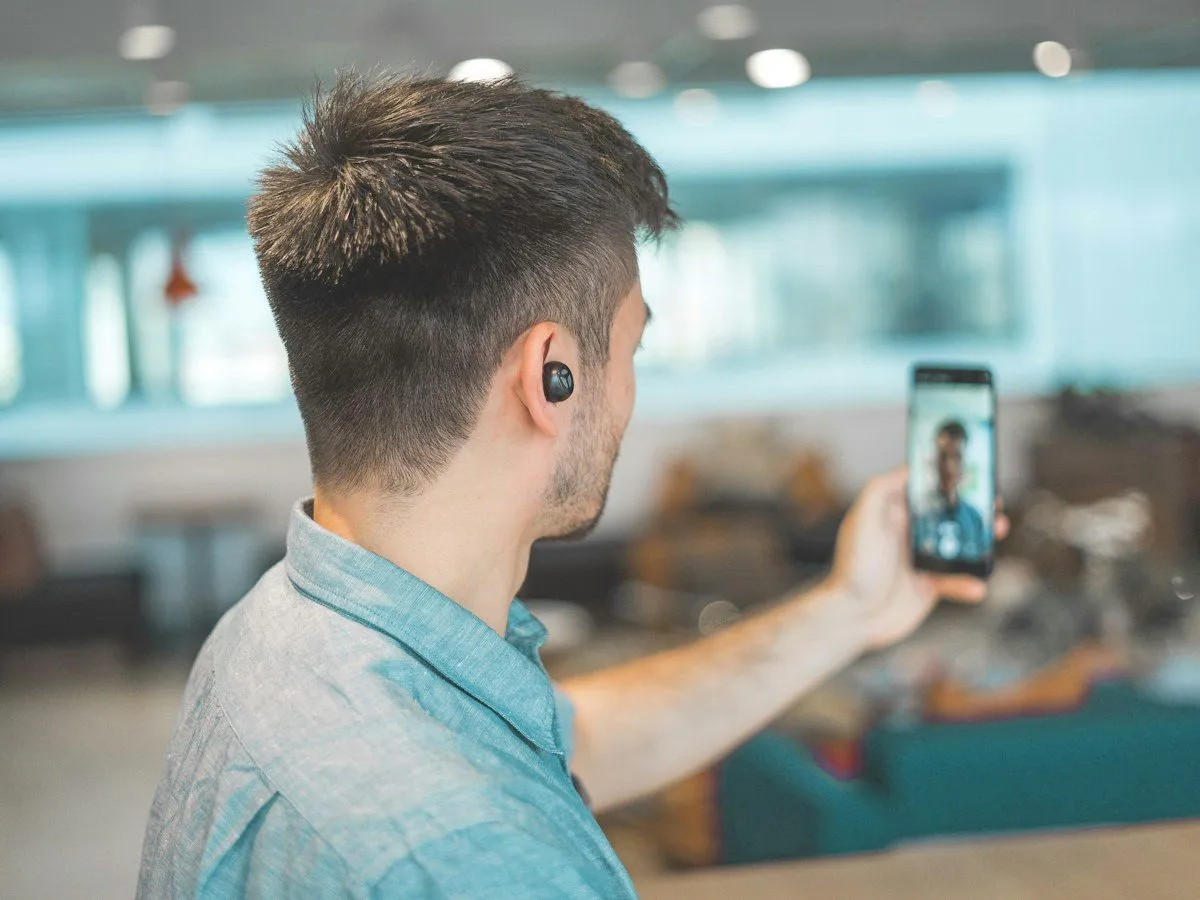
Hero photo by anniespratt on Unsplash
You record a Discord call on Mac by capturing the audio Discord is already playing, plus your microphone, on the computer in front of you. Discord does not hand you a Zoom-style folder of local recording files when a voice channel ends. If you need a transcript, you either leave with a file you captured yourself or you accept that the call existed only as live sound. Vemoir is the menu-bar capture for that file. It does not join the channel as a bot.The app is CHF 20 in Switzerland, €24.99 in Germany, Austria, France, and Italy, and $22.99 in the US, once, on the Mac App Store. No subscription and no per-call fee.
Contents
- What Discord does and does not save
- Record a Discord call on Mac from the menu bar
- Headphones, stream audio, and quiet tracks
- Where another tool is the better recording
- Frequently asked questions
What Discord does and does not save
A Discord voice or video call is live. When it ends, the messages in the channel remain. The speech does not become a downloadable transcript unless someone recorded it or a separate bot the server installed did that job. Server bots that record or transcribe are visible to the people who run the server, and they are a different product from an app on your Mac. If the server rules ban bots, do not add one to get a transcript.
Stage channels, screen shares, and Go Live streams are still audio (and sometimes video) coming out of the Discord app on your Mac. A system-audio capture hears what the Mac hears. It does not download Discord’s servers, and it does not reach a participant whose client never played on your machine. If someone was speaking and you had them muted, they will be missing. That is the recording matching your ears.
You are responsible for telling the channel. A local app does not post a “recording started” message into Discord. In many places, consent is not optional. A transcript does not create consent after the fact.
Record a Discord call on Mac from the menu bar
- Apple silicon Mac on macOS Sonoma 14.2+, 8 GB memory, 10 GB free (16 GB recommended for long calls).
- Install from the Mac App Store.
- Grant Microphone and System Audio Recording under System Settings, Privacy & Security (capture).
- Download your speech model once (Parakeet v3 or Whisper). Later runs can work offline.
- Join the Discord call in the desktop app on this Mac.
- Start menu-bar recording, announce it to the channel, stop when the call ends.
Discord is listed with the other meeting apps on platforms. The same local pattern, without a bot, is the subject of meeting notes without a bot. The setup carries over to Slack huddles, Zoom, and Google Meet.
Will the next Discord call on this Mac need minutes, not just a file on disk? Vemoir records from the menu bar while you stay in the channel.
After processing you get minutes, decisions, action items, and a draft follow-up. Speakers are separated on the Mac into labels you can rename. A remembered voice profile is opt-in, encrypted, and deletable. People the model is unsure about stay anonymous. Listen to the audio if the sentence matters.
Import is there if you already have a file: MP3, M4A, WAV, AIFF, CAF, or FLAC. A short clip can use transcribe a recording, capped at 15 minutes and 3 successful runs a week, without speaker labels. A long Discord call belongs in the Mac app, not the browser.
Headphones, stream audio, and quiet tracks
System audio is “what the Mac played.” A few setups make that quieter than your ears suggested.
USB or Bluetooth headset as the output. As long as macOS is sending Discord to that device and system-audio capture is allowed, the call should be on the system track. If you plug headphones in after the call has started, pause and check a few seconds of recording before the real conversation. A dead track is obvious in playback and painful to discover an hour later.
You are on Discord on a phone, watching nothing on the Mac. There is no system audio to capture. Join from the desktop app, or record the room with the microphone only and accept that the phone’s speaker quality is the transcript quality.
Stream and voice together. A loud stream under a quiet voice will dominate. Ear protection for you is not ear protection for the recording. Lower the stream, or accept a worse transcript. The app’s microphone noise suppression (Off, Balanced, or Strong) applies to the mic path, on the Mac, and is meant for steady noise such as a fan. It is not a promise that a game soundtrack will disappear.
You need a video file of the gameplay, not notes. A screen-and-audio tool built for clips is the better recorder. Vemoir does not record the screen. It will not produce a montage. It will produce a transcript of the sound.
When another tool is the better recorder
Use a trusted server bot when the community expects a public log inside Discord. Use video capture when the deliverable is footage. Take hand notes when you cannot get consent.
Use the Mac app when you are in the call, others agreed, and you want text without a new bot user. That is the ordinary project call on Discord instead of Zoom.
Sharing is manual. Copy the part you show. The rest stays on the Mac unless you export or use a cloud text model with your own key.
Frequently asked questions
Does Vemoir join the Discord channel?
No. It records audio on your Mac. The channel list does not gain a Vemoir user.
Why is there no recording in Discord after we hang up?
A normal voice call does not leave you a Zoom-style local file. If you did not capture it, the speech is gone.
What does it cost?
CHF 20, €24.99, or $22.99 depending on the App Store storefront, paid once. No subscription. Pricing shows the same figures.
Which macOS permission?
System Audio Recording for Discord’s playback, and Microphone for you. Not a screen recording.
Can I do this on Windows?
No. The app is Apple silicon Macs on macOS Sonoma 14.2 or later.
Will speaker names match Discord nicknames?
Only if you rename the labels, or if you opt into a voice profile that matches confidently. Otherwise the speakers stay anonymous labels.
Is a 10-minute clip possible without buying the app?
Yes. Export or trim to MP3, M4A, WAV, or MP4 under 15 minutes and use transcribe a recording. Three successful runs per week. No speaker names.
Does noise suppression send audio to a server?
No. The mic suppression modes run on the Mac.
Next step
Install from the Mac App Store if the next Discord call should become minutes on that Mac. If you only have a short file already, use transcribe a recording and stay inside the 15-minute cap.
Written by
Vemoir TeamMac meeting records by Aurum Avis Labs · Oberägeri, Switzerland
We build Vemoir, a Mac app for local-first meeting records: capture from the menu bar, transcribe on your Mac, and turn calls into minutes and action items.
Related Articles
You might also be interested in these articles

Record a Slack huddle on Mac without a meeting bot
Record a Slack huddle on Mac from system audio when Slack AI notes cannot run. No bot joins, and the audio file stays local.
Record a Zoom Meeting on Your Mac, During the Call
Record a Zoom meeting on Mac during the call from the menu bar, without a bot. Zoom's own file is a different step afterward.

Record a Google Meet Live on Your Mac During the Call
Record a Google Meet on Mac during the call from the menu bar. Workspace recording stays edition-gated and lands in Drive.