Meeting notes, transcription and privacy guides
Practical guides for meeting notes, local transcription, and recording law—without uploading your audio.

Sales Call Notes That Stay on the Mac You Already Use
Sales call notes that stay on your Mac when the audio should not leave the machine. Gong and Avoma still win when the point is CRM coaching.

User Interview Notes from a Recording You Can Keep
User interview notes for a product conversation you already recorded. A short clip in the browser, the full tape on your Mac, quotes you can check.

In-Person Meeting Notes on a Mac With the Room Mic
In-person meeting notes on a Mac use the microphone you select in the room. One mic, weaker speaker names, and no separate in-person mode.

Transcribe a Loom Recording from a File You Already Have
Transcribe a Loom recording you already downloaded. A short file in the browser, a longer one in the Mac app, with no speaker names in the tool.

Notion AI Meeting Notes When You Already Pay for Notion
Notion AI meeting notes fit when the team already lives in Notion. What the desktop app captures, and when a Mac recorder is the other path.

Record Webex on Mac Without Joining as a Participant
Record Webex on Mac from the menu bar: mic and system audio, no extra participant. What Webex's own recorder still does better.

Bluedot Alternative: Local Notes or a Team Workspace (2026)
A Bluedot alternative when you want meeting audio on the Mac, not in a team cloud. Bot-free capture, seats, and price as of September 2026.

Tactiq Alternative: Meeting Notes Beyond Captions (2026)
A Tactiq alternative when live captions are not enough. Compare the Chrome extension with a Mac recording that keeps the audio locally.

Why Evidence in Meeting Notes Is Worth More Than Polish
Evidence in meeting notes points a claim back to a transcript line. A clean summary without that pointer is harder to check a week later.

Notta Alternative: Local Meeting Notes on a Mac (2026)
A Notta alternative for Mac meetings that should stay on the machine. Compare bot, desktop upload, price, and local notes as of September 2026.
A Decision Log From Meetings, With Person and Date
A decision log from meetings records what was chosen, who owns it, and the date. It is shorter than the transcript and separate from tasks.

Write a Follow-Up From Meeting Notes After the Call
A follow-up from meeting notes is the note you send after the call: decisions, owners, and open questions, without the recording attached.
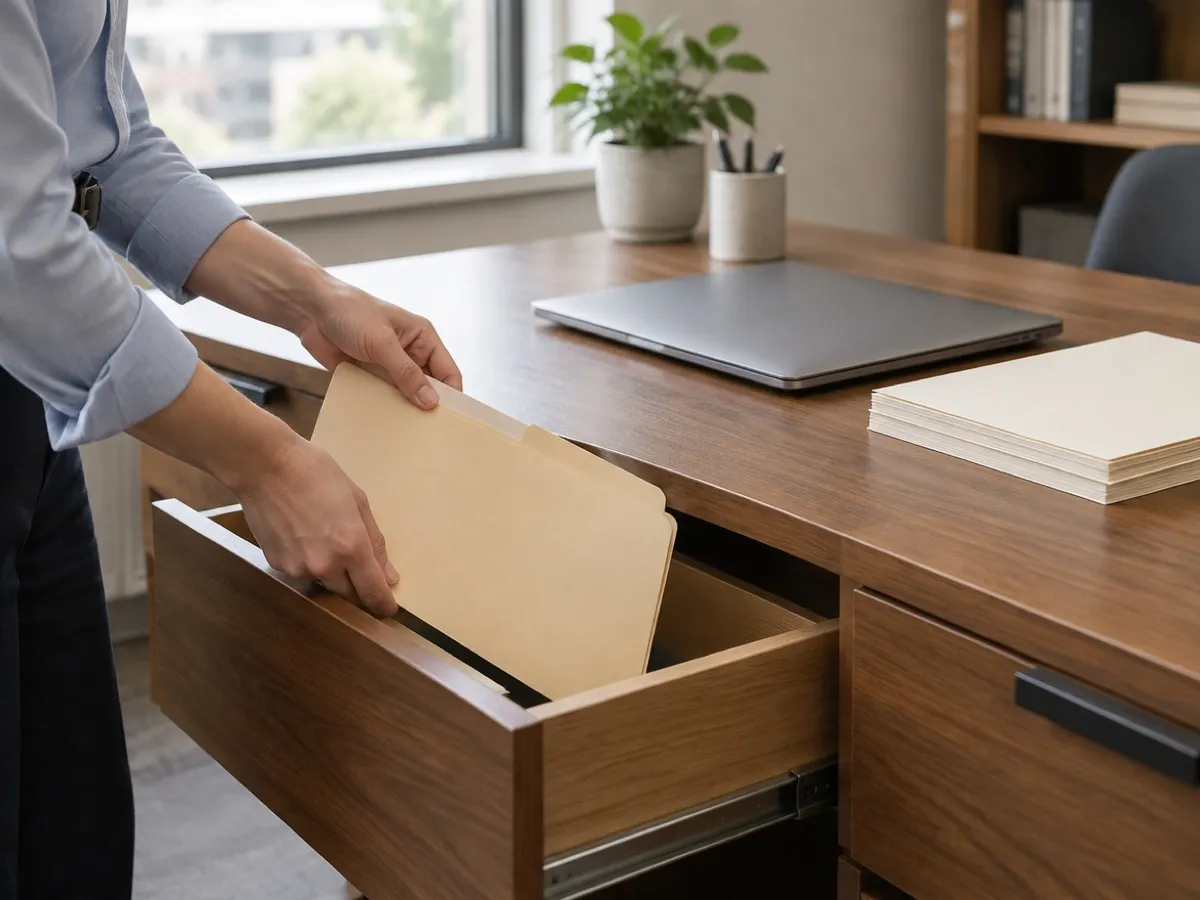
Delete a Meeting Recording Without Losing the Notes
Delete a meeting recording on your Mac and decide if the transcript stays. Audio, one meeting, and a whole project are separate steps.
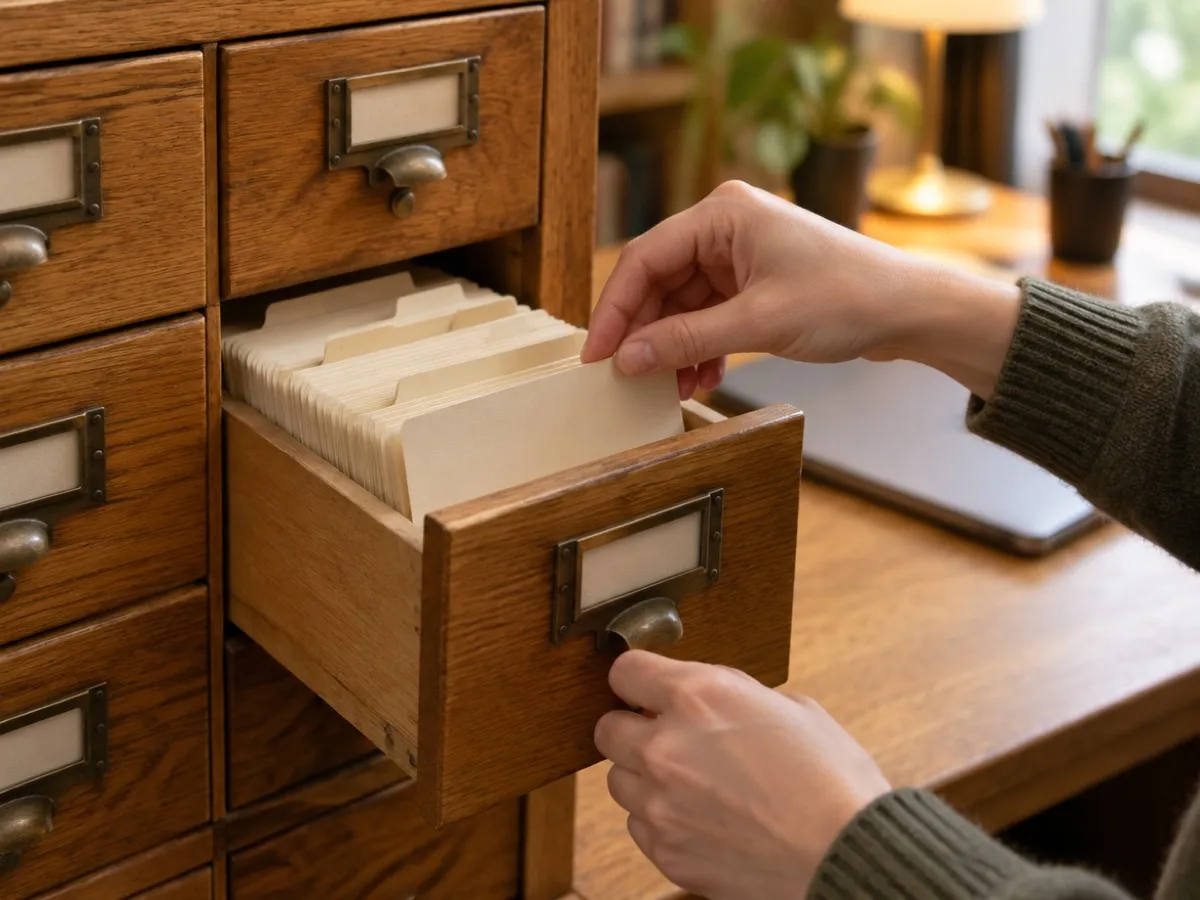
Search Past Meetings, Transcripts, Actions, and Decisions
Search past meetings on your Mac across transcripts, actions, and decisions. Archived and deleted sittings stay out of the results.

Record Mic and System Audio as Two Separate Tracks
Mic and system audio are two local tracks on a Mac: your voice, and the call. No screen capture, no bot, and no upload by default.

Microphone Noise Suppression: Off, Balanced, Strong
Microphone noise suppression on a Mac offers Off, Balanced, or Strong. It runs on your mic, on the device, and sends no audio to a cloud.

Export to Apple Notes and Update the Same Note Later
Export to Apple Notes from a folder you pick. A later export updates that same note instead of creating a duplicate each time you regenerate.

Meeting Projects: File the Client Call, Then Record
Meeting projects let you file a call under a client before you record. The menu bar selection is local, and deleting a project removes that data.
Take Notes While Recording and Keep Their Provenance
Notes while recording become part of the minutes and keep their own provenance. They are not rewritten as transcript quotes.

Set a Project Glossary for Names, Products, Jargon
A project glossary keeps preferred terms and aliases in meeting notes. The original transcript stays the evidence. Hints stay on your Mac.

Fix Wrong Speaker Names on a Mac Without a Profile
Fix wrong speaker names on a Mac by renaming the label. That edit does not create a voice profile. Remember this speaker stays a separate opt-in.

Speaker Profiles on a Mac Stay Encrypted and Optional
Speaker profiles on a Mac stay optional. Remember this speaker is opt-in, encrypted, and deletable. Unknown voices stay anonymous.

Using Apple Intelligence for Meeting Notes Cleanup
Apple Intelligence for meeting notes is optional where the Mac has it. Cleanup and artifacts only. The transcript comes from the local speech model.
What the First Local Model Download Does on Your Mac
A local model download is the explicit install of the speech or notes model you pick. Progress can resume. Vemoir does not swap in a different model.