Zoom cloud vs local recording, and where audio lives

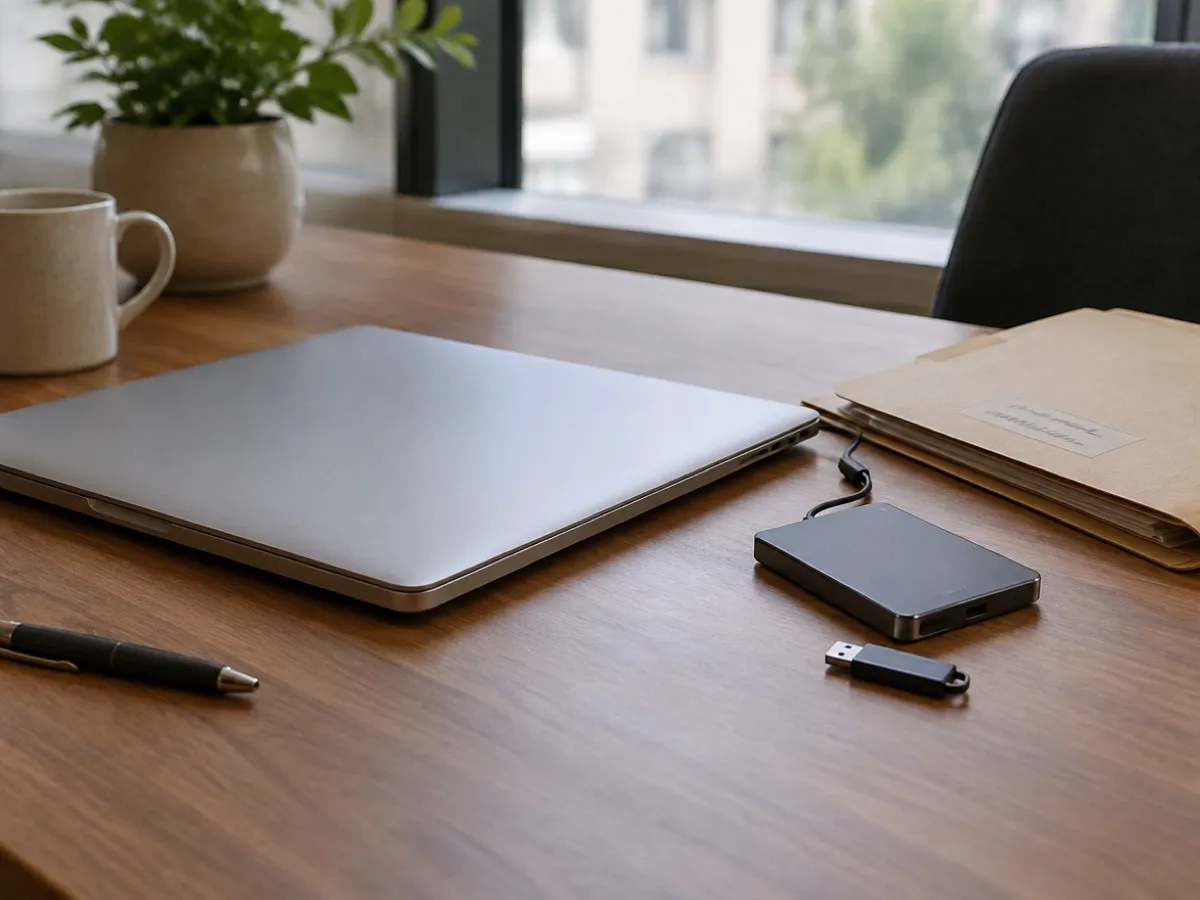
Hero photo by seffen99 on Unsplash
Zoom cloud vs local recording is a storage choice with a transcript attached. Cloud recording lives on Zoom and, on accounts Zoom treats as eligible, can include a VTT transcript after processing. Local recording lives on the computer that clicked Record and gives you audio, typically an M4A, without that VTT. If you recorded locally and expected a transcript email, the file formats article is the explanation, not a glitch.Zoom’s own note on recording file formats is the source for which files appear. Read it when your build names a file slightly differently from a blog’s screenshot.
Contents
- Zoom cloud vs local recording in one sitting
- Where the local files actually are
- Cloud vs local at a glance
- Turn a local Zoom file into text
- Where cloud recording is the better choice
- Frequently asked questions
Zoom cloud vs local recording in one sitting
Cloud. The host records to Zoom’s cloud. Processing happens after the meeting. The host, and people the host or the admin allow, open the recording from the Zoom web portal. On eligible plans, Zoom can produce a transcript as a VTT file alongside the video. That eligibility is an account and settings question. A free host who never enabled cloud recording will not get a VTT by wishing for one. Admins can turn cloud recording off for the whole account. If Record to the Cloud is missing, assume policy before you assume a bug.
- CloudPaid plan
Transcript tied to Zoom cloud storage.
- Localaudio_only.m4a
Default path on many free accounts.
- Browser15 min
Local file can be transcribed without upload to Vemoir.
Cloud is also where Zoom’s retention and sharing settings apply. A link can leave the company faster than a file on one laptop, and it can be revoked in the portal, which a copied M4A in someone else’s Downloads folder cannot. If your security review already approved Zoom as the place recordings live, staying in that system is simpler than inventing a second archive.
Local. The host, or a participant the host allowed, records to disk. Zoom’s format documentation describes local video as MP4 and local audio-only as M4A. You do not get Zoom’s cloud transcript pipeline from a local file. The audio is on that Mac (or Windows PC). Zoom does not keep a backup of it on their servers. Delete the folder and the recording is gone.
Local is the better default when the point of recording was to avoid another copy in a cloud portal. It is a worse default when the host’s laptop sleeps, the disk is full, or the person who hit Record is the only one who will ever find the folder.
You can also ignore Zoom’s recorder and capture the meeting from the Mac while Zoom plays. That path is independent of the host’s permission to start a Zoom recording. It is not independent of consent. Say that you are recording. A menu-bar app does not appear in Zoom’s participant list the way a cloud notetaker does. Meeting notes without a bot covers that distinction. This article stays on Zoom’s own cloud versus local switch.
Where the local files actually are
After a local recording, Zoom writes a folder. The location is whatever the Zoom desktop app has under Settings, Recording, Local recording. People often leave the default, which puts the meeting folder under Documents, in a Zoom directory, named with the meeting date and topic.
Inside that folder, look for the audio-only file. Zoom’s documentation refers to a local audio file named along the lines of audio plus a number, with an .m4a extension. Many installs also show audio_only.m4a. Use that file for transcription. It is smaller than the MP4 and it is the speech without a video decode. Keep the whole folder until you trust the text. The chat file, if present, is a side channel and not a substitute for what was said aloud.
If two people recorded locally, you have two folders on two computers. They will not merge themselves. Agree beforehand who records, or you will transcribe the worse of the two microphones.
A cloud recording does not appear in that folder. It appears in the Zoom web recordings list for the host. Downloading it is a separate click, and the admin may have disabled download. If you need the text and download is off, you are working with Zoom’s viewer, not with a file the browser transcription tool can open.
Cloud vs local at a glance
| Question | Cloud recording | Local recording |
|---|---|---|
| Where the file lives | Zoom portal | The computer that clicked Record |
| Zoom transcript (VTT) | On eligible paid settings | Not included |
| Sharing | Link in portal, revocable | Copy the folder yourself |
| If the host’s laptop sleeps | Processing still runs in cloud | Recording can stop or corrupt |
| Browser tool on vemoir.ch | Needs a downloaded file | Use audio_only.m4a from the folder |
As of September 2026, cloud recording and automated transcripts still depend on account type and admin policy. Check Zoom’s help if a menu item is missing.
Want text without hunting the folder after the call? Vemoir can record the Mac during the meeting; see capture and models.
Turn a local Zoom file into text
For a file you already hold:
- Find
audio_only.m4aor the other local M4A in the meeting folder. - If it is 15 minutes or under, open transcribe a Zoom recording. The file stays in the browser. The model downloads once. You get text, not speaker labels. Three successful runs per week is the cap across the free tools.
- If it is longer, do not slice it into three weekly runs unless you only care about one slice. Import the audio on the Mac into a local transcription workflow, or trim to the decision you actually need and transcribe that slice.
- Read the text against the audio for names, drug names, and numbers. The first draft is a draft. Swiss German in the meeting will tend to show up as Standard German. That is the model, not Zoom.
The step-by-step for the folder itself is transcribe a local Zoom recording. Use that article when you are looking for the path. Use this one when you are still choosing cloud or local before you press Record.
A live capture during the call, from the Mac, is a third option when the host will not enable Zoom recording at all. System audio plus microphone, audio only, no screen capture. That recording is yours on the Mac. It is not a Zoom cloud asset and it will not show up in the host’s recording list. Say so, so nobody waits for a link that will never arrive.
Where cloud recording is the better choice
Cloud wins when:
- The organization already pays for a Zoom plan that includes it, and the admin has turned it on.
- Several people need the same playback link, and local files would strand the recording on one laptop.
- You want Zoom’s VTT without a second transcription step, and the account is eligible for that transcript.
- Retention is defined in Zoom’s settings and legal or IT prefers one system of record.
Local wins when:
- Cloud recording is disabled, or the host’s plan does not offer it.
- The conversation should not sit in a shareable portal even if Zoom is approved for meetings.
- You already have a habit of transcribing the M4A yourself and you do not need Zoom’s player.
A visible notetaker bot is a third place the audio can go, and it is often the worst of both for a client who banned extra participants. Do not “solve” a disabled cloud recording by inviting a bot the client can see. Take a local Zoom recording the host controls, or take notes.
Neither Zoom nor a transcription tool decides consent. If the jurisdiction or the client requires an announcement, make the announcement. A VTT does not repair a recording that should not have happened.
Frequently asked questions
Why did local recording not email me a transcript?
Zoom’s cloud pipeline is what produces the VTT on eligible accounts. A local M4A is audio on the computer. The text step is yours. Formats are described in Zoom’s file article.
Which file should I transcribe?
The audio-only M4A, often audio_only.m4a, in the local meeting folder. Use the MP4 only if the M4A is missing.
Can the browser tool take a two-hour local file?
No. The Zoom transcription page accepts up to 15 minutes, with 3 successful runs a week, and it does not label speakers.
Does cloud recording always include a transcript?
No. It depends on the account and the settings. Check Zoom’s current help if Record in the cloud is missing or the VTT never appears.
Where is a local recording stored?
On the computer that recorded, in the folder Zoom’s app settings name for local recordings. Zoom does not keep a server copy of that local file.
Can I record without being the Zoom host?
Only if the host allowed local recording for participants, or if you capture system audio on your own Mac outside Zoom’s recorder. The second one is still something you must disclose.
Will a local file sync through iCloud by accident?
If the Zoom folder sits inside Desktop or Documents and those are synced, yes. Move the folder to a location your backup policy actually intends, especially for client audio.
Is one option more private by magic?
Local avoids Zoom’s cloud copy. It does not encrypt your judgment. Cloud is easier to share and easier to manage if IT already owns that portal. Pick the place the recording is allowed to live.
Next step
If you already have the local M4A and it is short, open transcribe a Zoom recording. If you are still looking for the folder, follow transcribe a local Zoom recording.
Written by
Vemoir TeamMac meeting records by Aurum Avis Labs · Oberägeri, Switzerland
We build Vemoir, a Mac app for local-first meeting records: capture from the menu bar, transcribe on your Mac, and turn calls into minutes and action items.
Related Articles
You might also be interested in these articles
How to Transcribe a Local Zoom Recording (No Upload)
Transcribe a Zoom recording from the local M4A. Where Zoom saves it on Mac and Windows, and how to get text without uploading the audio.
Record a Zoom Meeting on Your Mac, During the Call
Record a Zoom meeting on Mac during the call from the menu bar, without a bot. Zoom's own file is a different step afterward.

Turn Zoom VTT to Plain Text for a File You Can Read
Zoom VTT to plain text means dropping the cue times and keeping names that are already in the file. A local Zoom recording is not a VTT.